Module 4: VS Code Setup
Visual Studio Code is a free code editing application that you can use to edit your documentation content. Feel free to choose another code editor of choice.
This template will use reStructuredText markup syntax to format the text displayed in Read the Docs. VS Code can help to identify syntax errors.
Why VS Code?
- Simple for beginners
- Easy to install, use, and update
- Source Control functionality
- Recognizes many languages for syntax checking
- Compatibility
- Available for Windows, macOS, Linux
- Extensible
- Many extensions for adding various features
Instructions:
Access VS Code and download the app (Windows or Mac OS X)
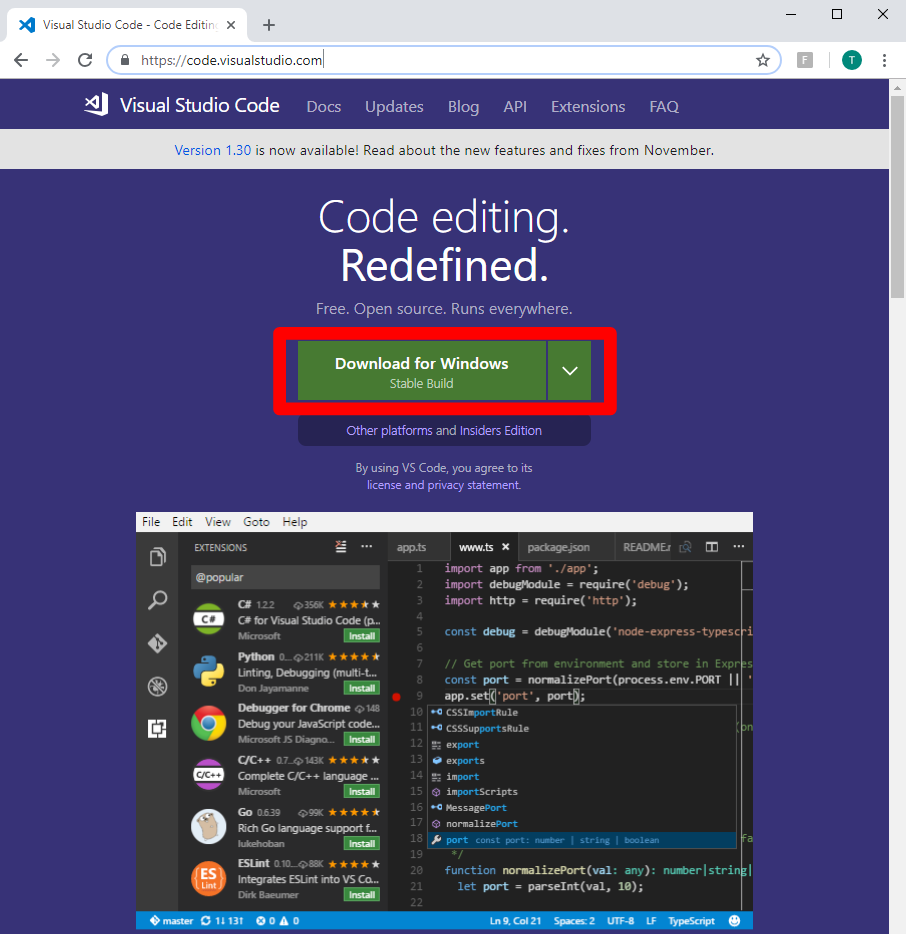
Install VS Code. Follow the official guide for your OS as needed:
https://code.visualstudio.com/docs/setup/setup-overview
This completes the VS Code setup. You can now use this application to edit your document contents in restructuredText.
Other files and folder in this directory:
docs/class2/module4/images
Folder used to store images used in module4.rst