Module 2: Read The Docs Setup
Read the Docs is a free document hosting service that will build the HTML files necessary to display your document online.
Why Read the Docs?
- Integrates with GitHub via Webhook
- Stays in sync with latest changes
- Integrates with GitHub via webhook to convert the latest changes to HTML and PDF in real time
- Easily distributable
- Access via public URL or export to PDF
Instructions:
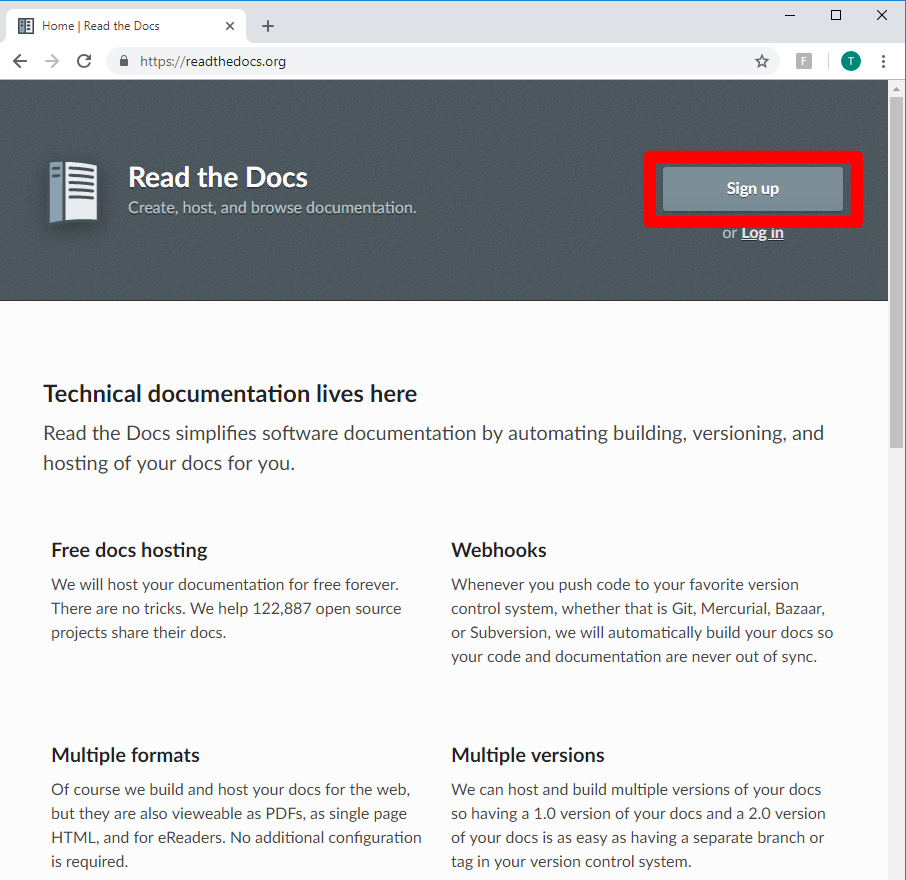
Access Read the Docs and create an account if you do not already have one
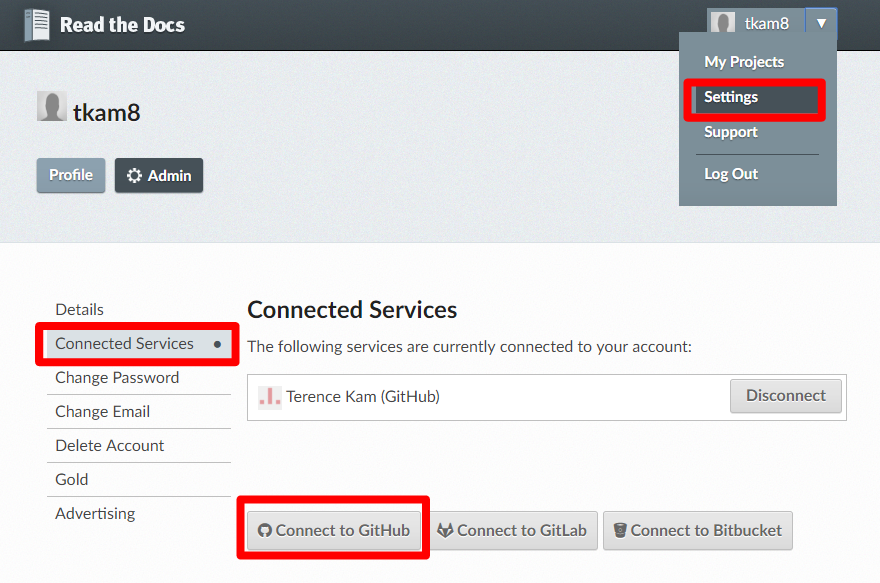
In the top right corner, click Settings, then Connected Services. Grant access to your GitHub account you created earlier
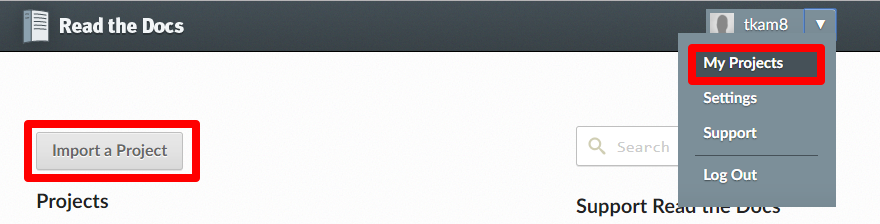
In the tope right corner, click My Projects, then click Import a Project
Click the + button for the repository you created earlier to import into Read the Docs.
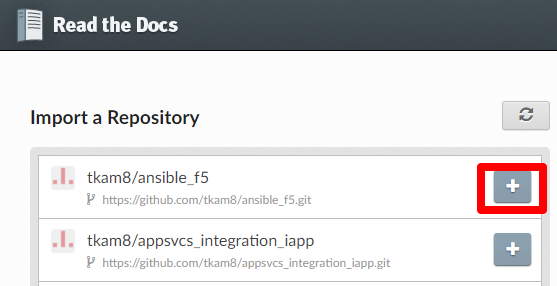
This completes Read the Docs setup. Whenever you make a commit to the project’s repo, Read the Docs will automatically build the document.
Other files and folder in this directory:
docs/class2/module2/images
Folder used to store images used in module2.rst